| assets | ||
| src | ||
| .dockerignore | 478 B | |
| .gitignore | 485 B | |
| biome.json | 675 B | |
| bun.lock | 11.9 KB | |
| compose.yaml | 627 B | |
| Containerfile | 1.1 KB | |
| LICENSE | 33.7 KB | |
| package.json | 733 B | |
| README.md | 3.1 KB | |
| screenshot.png | 120.4 KB | |
| tsconfig.json | 1020 B |

READMERaw
⚡ ZBin ⚡
Pastebin with encryption, syntax highlighting and media previews, optionally without JS enabled in the browser. Also supports easy interaction via curl
Setup
A Containerfile and compose.yml is provided in this repo, just run docker-compose up or podman-compose up to start the server at port 3000. For manual setup without containers just follow the setup done in Containerfile
Configuration
ZBin is configured through environment variables (all optional):
| Variable | Default | Description |
|---|---|---|
MAX_UPLOAD_BYTES |
104857600 (100 MiB) |
Hard cap on a single upload. |
MAX_TOTAL_BYTES |
unlimited | Cap on total stored content across all files. When set, an upload that would push the total over the cap is rejected (507). |
MAX_AGE_MINUTES |
unlimited | Maximum retention. When set, every upload is deleted after at most this many minutes (a longer requested delete_in_minutes is clamped down). |
UPLOAD_COOLDOWN_SECONDS |
0 (off) |
Minimum seconds between uploads from the same client IP. |
DECRYPT_COOLDOWN_SECONDS |
0 (off) |
Minimum seconds between server-side decryption attempts from the same client IP. Bounds the PBKDF2 CPU cost an attacker who knows a file's URL can force by repeatedly requesting it with password cookies. |
BEHIND_PROXY |
false |
Set to true (or 1) when running behind a trusted TLS-terminating reverse proxy (the usual production setup). Reads X-Forwarded-For / X-Real-IP for the client IP and adds the Secure flag to the password cookie. Leave off for direct/local HTTP. |
Passwords for server-side decryption travel in a cookie, so ZBin should always be served over HTTPS behind a reverse proxy (with
BEHIND_PROXY=true) in any real deployment.
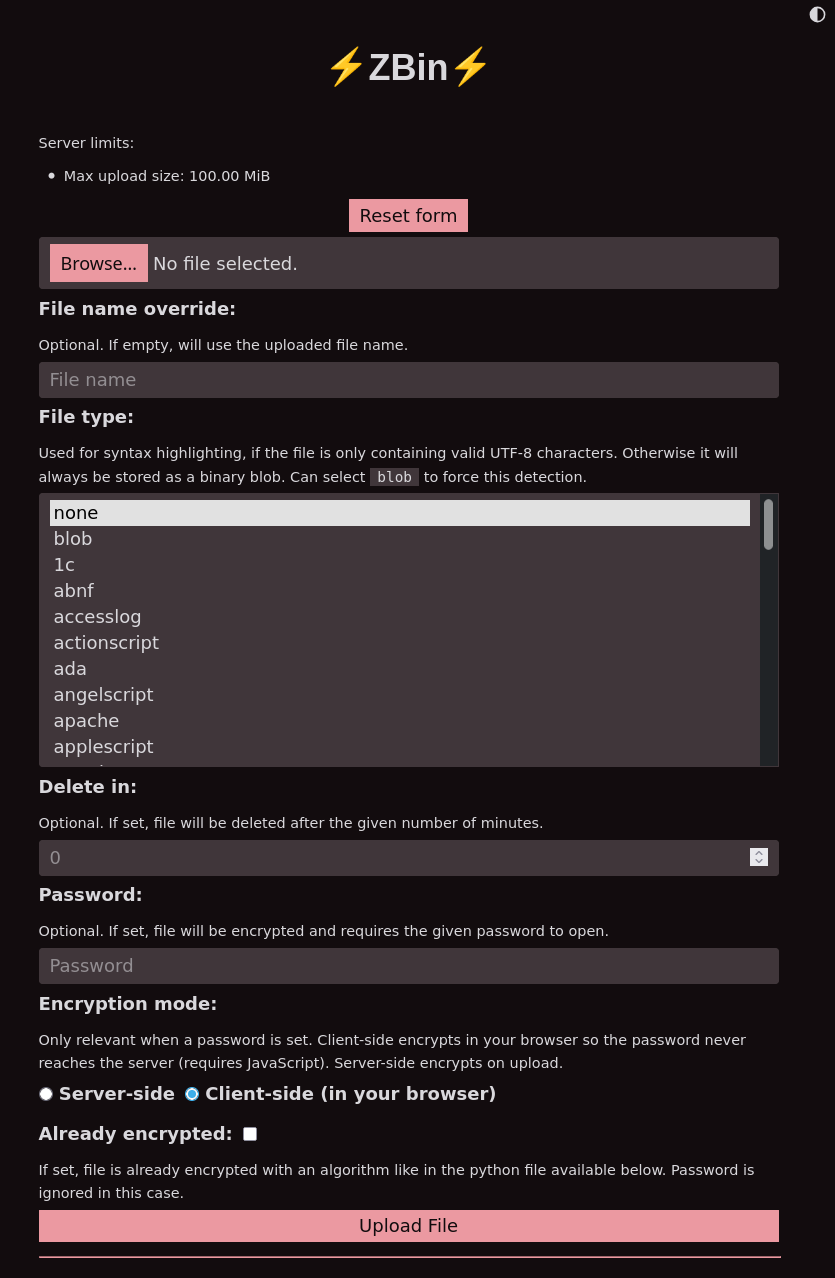
Screenshot