Hearthforge 
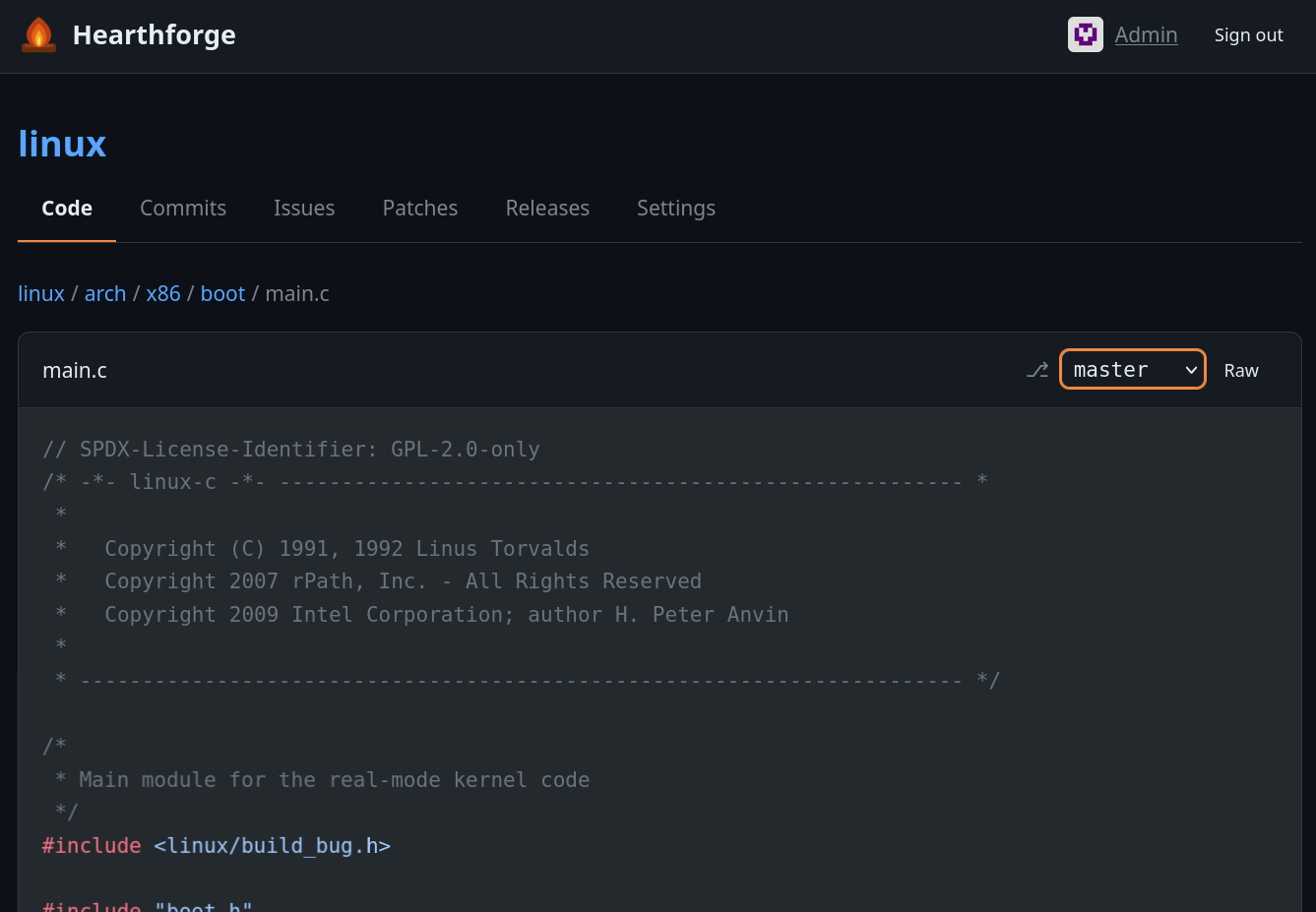
A self-hosted git forge designed to host your own repositories while allowing others to interact with them via issues and patch proposals. The frontend works without JavaScript — JS is only required for WebAuthn, with a graceful fallback to password-only auth.
Features
- Repository browser — integrated file tree, single-file editing, blob view, commit log, markdown rendering, media previews
- Issues & patches — create, comment, react with emoji; submit git
.patchfiles for review and merge them directly from the UI - Labels — per-repo labels with custom colors; optionally allow users to label their own issues and patches
- Templates — issue and patch templates per repository
- Releases — create releases with source archives (zip/tar.gz), uploaded assets, and optional tag creation
- SSH push/pull — built-in SSH server, no external git daemon needed
- Auth — password login or passkeys (WebAuthn/FIDO2)
- Commit signing — patches merged and files edited through the UI are automatically signed; verification badges shown in the commit log
- Registration control — open registration, disabled, or queue mode where the admin manually approves new accounts
Stack
- Bun — runtime and package manager
- ElysiaJS — HTTP framework
- SQLite — single-file database via Kysely
- @kitajs/html — server-side JSX (no client-side framework)
- Shiki — syntax highlighting
Running
bun install
bun run db:init   # creates database and admin account
bun run start     # http://localhost:3000, SSH on port 2222
Default admin credentials: admin / changeme
Set the ADMIN_PASSWORD environment variable before running db:init to choose your own.
Docker / Podman
A Containerfile and compose.yml are provided:
docker compose up # or podman compose up
The container stores all persistent data (repos, database, avatars, releases, SSH host key) under /data — mount a volume there to keep it across restarts.
Manual repository import
Existing repositories can be copied into the data/repos directory.
Non-bare repos are automatically converted to bare repos on startup (uncommitted changes and worktrees are discarded).
Pushing directly to the on-disk repositories (bypassing the bundled HTTP/SSH endpoints) generally works as well.
SSH access
Add your public key under Settings → SSH keys, then:
git clone ssh://git@localhost:2222/REPO_NAME
Pushing is supported for the admin.
Configuration
All settings are environment variables:
| Variable | Default | Description |
|---|---|---|
PORT |
3000 |
HTTP port |
SSH_PORT |
2222 |
SSH port |
DATA_DIR |
./data |
Repos, database, uploads |
ADMIN_PASSWORD |
changeme |
Initial admin password (only used by db:init) |
OWNER_DISPLAY_NAME |
Admin |
Display name for the owner |
BASE_URL |
http://localhost:$PORT |
Used in clone URLs and links |
REGISTRATION_TYPE |
enabled |
enabled, disabled, or queue (admin approval) |
REGISTER_QUESTION |
(empty) | Question shown on the registration form in queue mode |
MAX_UPLOAD_BYTES |
10485760 |
Max request body size (10 MB) |
MAX_USER_UPLOAD_BYTES |
2097152 |
Max upload size for non-admin users (2 MB) |
INLINE_MAX_BYTES |
524288 |
Max file size rendered inline in the code view (512 KB) |
SSH_DISABLED |
0 |
Set to 1 to disable the embedded SSH server |
TRUSTED_PROXY |
0 |
Trust X-Forwarded-For headers |
RATE_LIMIT_DISABLED |
0 |
Set to 1 to disable rate limiting |
HIGHLIGHT_WORKERS |
4 |
Syntax highlighting worker threads * |
COMMITTER_NAME |
$OWNER_DISPLAY_NAME |
Git committer name for merges and UI edits |
COMMITTER_EMAIL |
$OWNER_DISPLAY_NAME@<hostname> |
Git committer email for merges and UI edits |
SSH_HOST_KEY_PATH |
$DATA_DIR/ssh_host_key |
Path to the SSH host key (auto-generated if missing) |
EXTRA_ALLOWED_SIGNERS_PATH |
(empty) | Additional git allowed-signers file for commit verification |
MAX_TITLE_BYTES |
500 |
Max length for titles (issues, patches, releases) |
MAX_TEXT_BODY_BYTES |
100000 |
Max length for text bodies (descriptions, comments, notes) |
MAX_USERNAME_BYTES |
64 |
Max username length at registration |
MAX_PASSWORD_BYTES |
1024 |
Max password length |
* Each highlighting worker loads its own copy of the language grammars and uses ~200 MB of memory. Increase with care.
Development
bun run dev           # watch mode with auto-restart
bun run lint          # lint with Biome
bun run format        # format with Biome
bun run test          # E2E and unit tests (uses Playwright; don't call bun test directly)
Roadmap
- Use git-bug for issue tracking instead of custom implementation
- Remove test retry logic once Bun no longer randomly stalls